

Incorporating your Facebook Ad leads account into HighLevel will ensure that the leads you generate through your campaigns will be getting updates which can result in a higher conversion rate.
What you will need
- Facebook Account
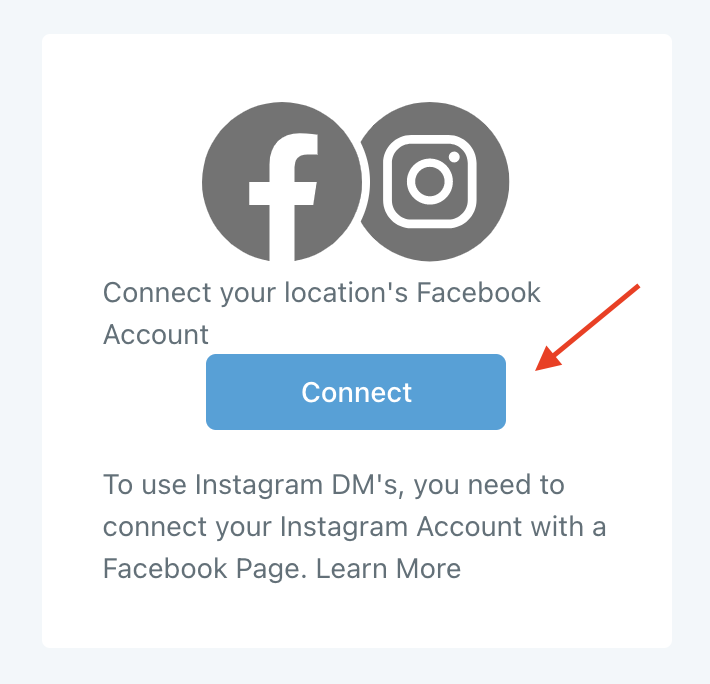
Step 1: Navigate to Settings > Integration > Facebook > Connect.
- Follow the steps that pop up to allow Facebook permissions/access to connect your Facebook account.
Step 2: Once the Facebook account has been connected, you’ll want to review your Facebook Lead Ads Forms.
- Navigate to Settings > Integrations > Facebook Form Fields Mapping.

Step 3: Now that Facebook is integrated, you can set up direct form Facebook Triggers for when a lead form is submitted in HighLevel Workflows and Campaigns.
Frequently Asked Questions
What does “How To Integrate Your Facebook Account Into HighLevel” cover?
Incorporating your Facebook Ad leads account into HighLevel will ensure that the leads you generate through your campaigns will be getting updates which can result in a higher conversion rate.