

Integrating with Google allows you to sync your HighLevel calendar to your Google Calendar as well as for reporting related to Google Ads.
Step 1: Go to Settings > Integrations
Step 2: Click “Connect” Under the Google Icon
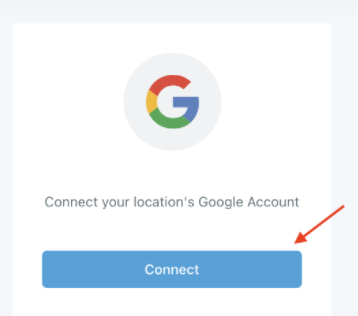
Step 3: Select the account you wish to connect
Step 4: Enter your password (if prompted).
Step 5: Agree to the Terms & Conditions by click Allow
Step 6: Click Close.
You can now sync your HighLevel Calendar to the integrated Google Account within Calendar Settings. You can also add analytics and Ad Word information for tracking & attribution purposes.
Frequently Asked Questions
What does “Integrating Google Into HighLevel” cover?
Integrating with Google allows you to sync your HighLevel calendar to your Google Calendar as well as for reporting related to Google Ads.
Start Your HighLevel Free Trial
Browse all GoHighLevel guides · HighLevel Integration.